 Decktly
Claude → HTML → Decktly
How to edit a Claude HTML presentation
By Hannes Krieg · Updated 27 September 2026
Claude can generate an HTML presentation. Decktly gives you a place to finish it: change a heading yourself, correct a figure, add a chart or table, leave feedback, and present the saved file. You do not need another AI request for every text edit.
The same editing steps are what people mean by PowerPoint-style editing for HTML slides.
Free account to save · Visual editing for HTML presentations
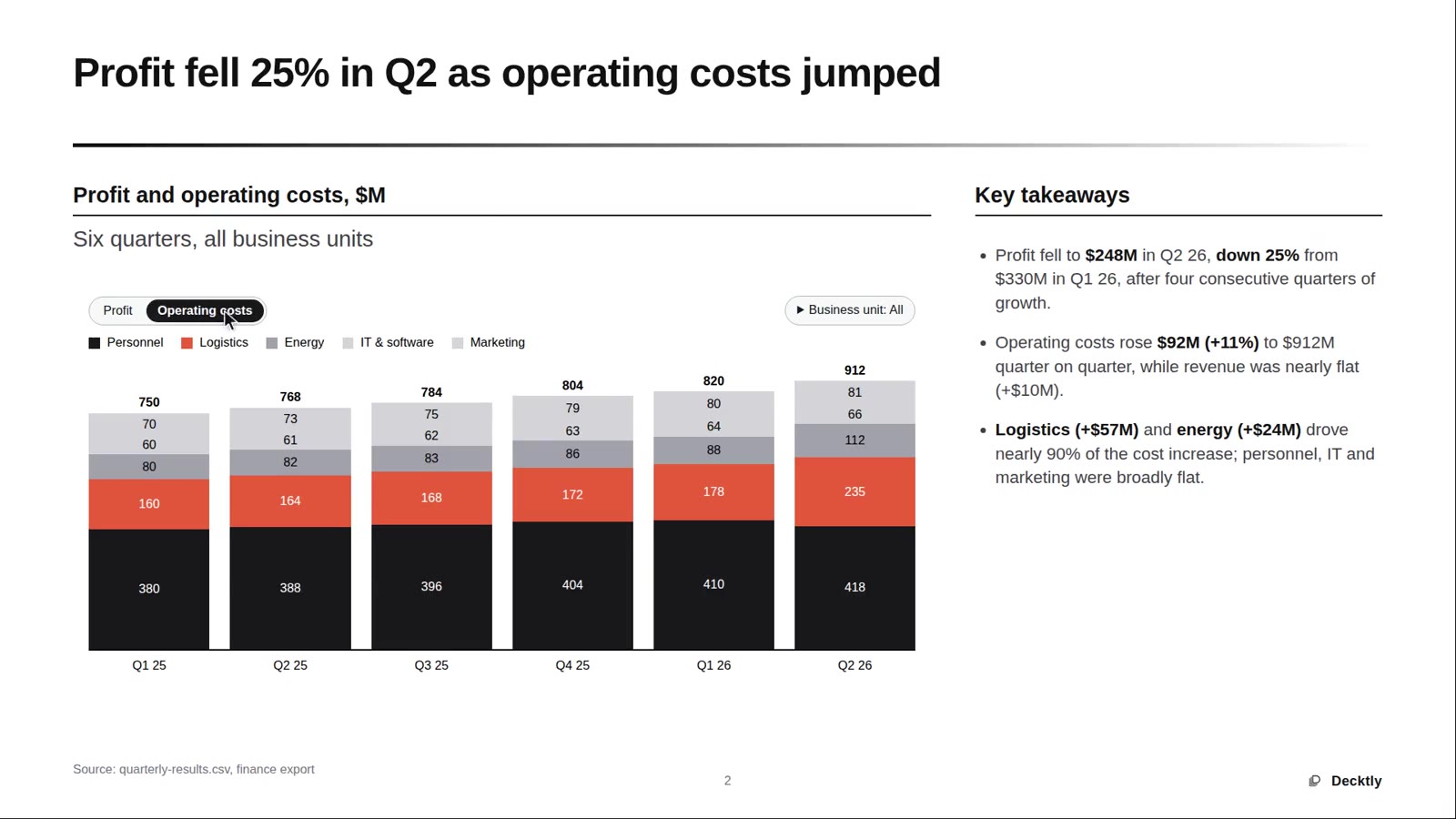
The workflow
Take the HTML file from draft to review.
Ask Claude for a portable HTML presentation
Request a self-contained .html file with its CSS and JavaScript included. Use ordinary HTML text for content you want to edit. Ask for clearly separated sections and avoid unnecessary external dependencies.
Download the actual HTML file
Save the .html artifact or file from Claude. A conversation-sharing link or screenshot is not the presentation file. If your output is a React project, ask for a standalone HTML version first.
Open it in Decktly
Make a backup, then open the HTML in the desktop app or browser editor. Check that images and interactive sections load before editing.
Make the precise changes yourself
Switch to Edit mode, update the wording and numbers, and apply formatting. Add a chart or table in Decktly when the slide needs one, and leave comments where a colleague should respond. For a larger layout or logic change, go back to Claude or use an optional assistant in the desktop app.
Save, check, and share
Save the HTML, open it in a browser, and test the interactive parts. Review embedded comments and other non-visible content before external sharing; a comment hidden from normal viewing is still in the file.
Keep control of what you send to AI.
Opening and editing the file locally does not send it to Claude. If you choose to use an AI assistant, the content it receives is handled by that provider under your account and its terms. Follow your organisation’s rules for confidential material. Decktly is an independent product; this workflow does not imply an Anthropic endorsement.
A few useful answers
Does Decktly edit inside the Claude chat?
This guide describes downloading an HTML file and opening it in Decktly. It does not require an embedded editor inside Claude or a Claude Desktop extension.
What if Claude gives me JSX or a React project?
Ask Claude to provide a standalone .html version, including the styles and scripts it needs. Renaming a .jsx or .tsx file to .html does not convert it into a working presentation.
Do I need an AI subscription to make manual edits?
No. Manual editing is separate from the optional AI assistants in the desktop app. You can change text, layout, charts, and tables in Decktly without sending each edit to an AI provider.
Can the presentation keep its interactive content?
It remains HTML, so existing interactions can remain part of the deck. Test the saved file, and keep any required external assets available.