 Decktly
Visual HTML editor
Visual HTML editor for existing HTML presentations
By Hannes Krieg · Updated 27 September 2026
Decktly is a visual HTML editor for presentations. Open an existing .html file, click to edit text and layout, add charts and tables, leave comments, and save as HTML. Everyday changes do not need source code.
For the slide-by-slide workflow, see PowerPoint for HTML.
Free account to save · Visual editing for HTML presentations
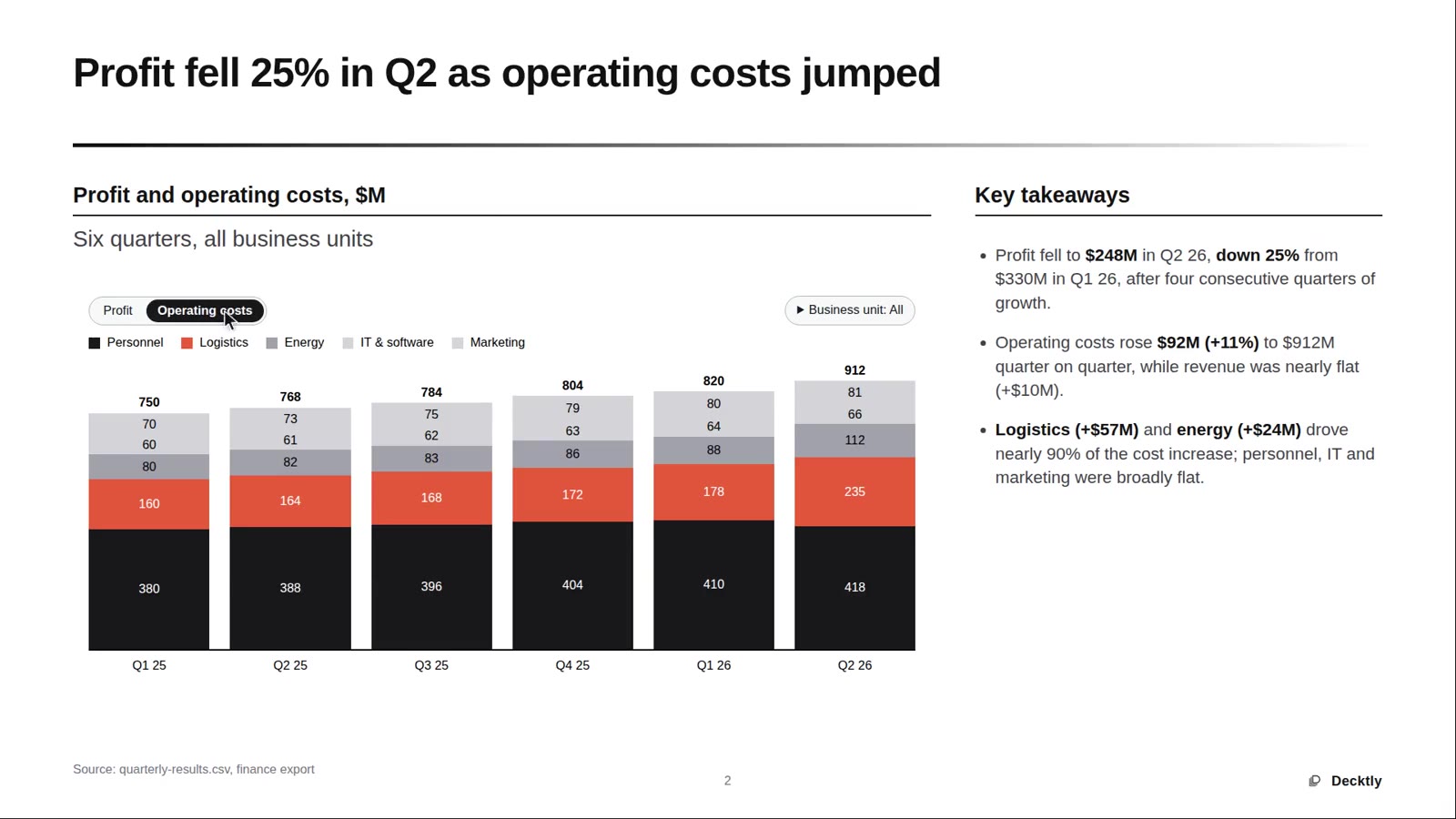
The workflow
From a finished-looking file to a file you can finish.
Open the HTML you already have
Start with a presentation from Claude, ChatGPT, another assistant, or a colleague. Open the .html file in Decktly. Keep a copy of the original while you try the editor.
Edit on the page
Switch to Edit mode, click a heading or paragraph, and type. Use the formatting controls for emphasis, font size, and colour. Move objects on the slide, and undo a change when you want a different wording.
Review in context
Add comments next to the content you want to discuss. Comments and replies are stored in the HTML file, so they travel with the copy you share.
Save and present
Save your changes as HTML and check the result in a browser. Use Present mode in Decktly when you want a full-screen view of the deck.
Which kind of HTML editor do you need?
| Your task | A suitable approach |
|---|---|
| Change a heading, number, or paragraph | Decktly lets you edit text directly on the rendered presentation. |
| Add a chart or table to an HTML deck | Create it in Decktly so the data and formatting stay editable. |
| Review an existing HTML deck | Use Decktly’s comments and presentation workflow. |
| Build a website and manage hosting | Choose a website builder or a development environment. |
| Change application logic or complex CSS | Use a code editor or an AI assistant, then check the result in Decktly. |
Start with a presentation.
Decktly is designed around HTML decks. Websites with server-side logic, canvas drawings, or complex scripts may need code changes. Embedded frames that use a data: URL or a separate file are view-only; frames written as srcdoc can be edited. Keep linked images and styles available, and check the saved result before sharing. Local editing does not upload the deck to Decktly; optional AI tools, shared folders, and external resources have their own network behaviour.
A few useful answers
What does WYSIWYG mean?
It means “what you see is what you get”: you edit a visual representation instead of writing markup for each change. Decktly uses that approach for HTML presentations. Always check the saved file, especially when it includes scripts or linked assets.
Can I edit an HTML file without knowing HTML?
Yes. Everyday text edits, formatting, charts, tables, and comments in a supported HTML deck do not require source-code editing. Changing the deck’s underlying logic or unsupported elements can still require code.
Is Decktly a website builder?
Decktly focuses on editing and reviewing existing HTML presentations. It is not a website hosting service or a replacement for a full web-development environment.
Do I need to install it?
Not to try it. In the browser you can open, edit, and comment without an account. Saving needs an account and works in desktop Chrome or Edge. The desktop app, for Windows and Apple Silicon Macs, adds AI, export, and the file explorer.